
You should include a ‘hero’ image here. It might be your logo. At this time you might want to start to clean up the graphics for external consumption,
Write your name here [heading H4]
Project Description [heading H3]
This is where you describe your project. Do it in a simple and engaging way to appeal to the non expert. Say why you’re doing it and what the demand is.
You should set your page editor to ‘block’ and if you do this you can access a really wide selection of different blocks to use such as images, tables, links, feeds, lists..and in this case a quote panel.
What my plans are [heading H3]
You can include galleries with captions to explain – either single illustrations or gallery mode in wordpress. Galleries are good as you can add captions – they can be viewed one at a time too.
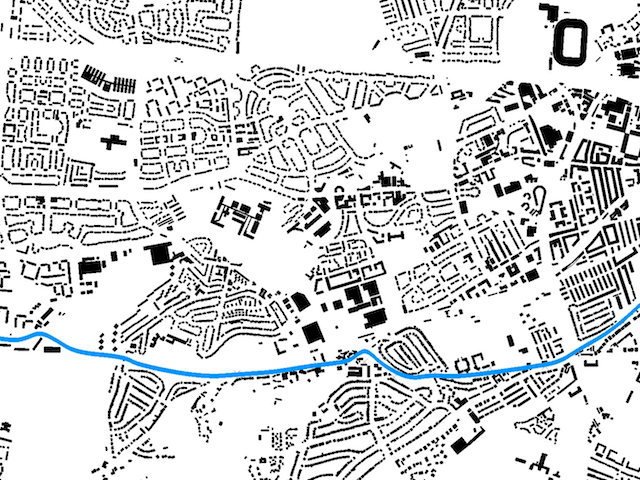
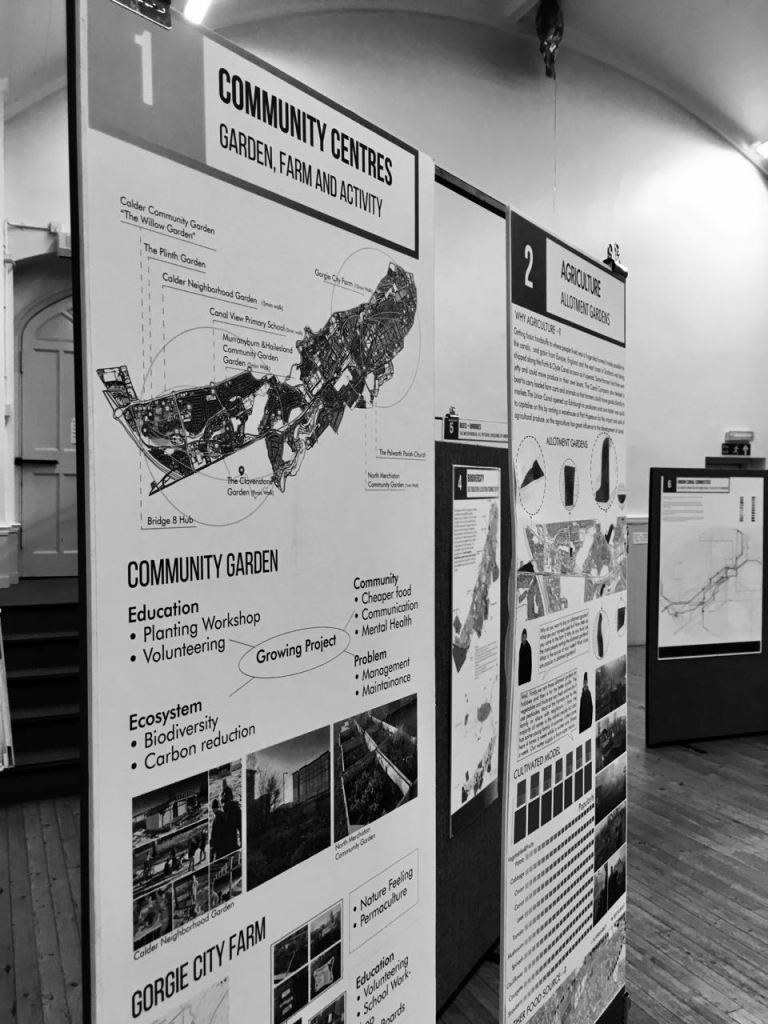
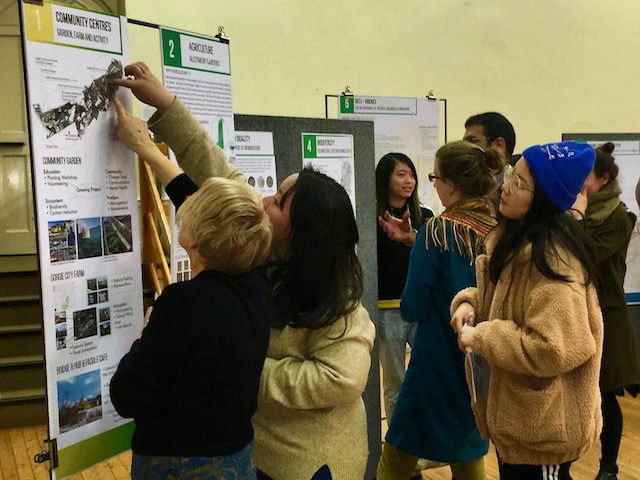
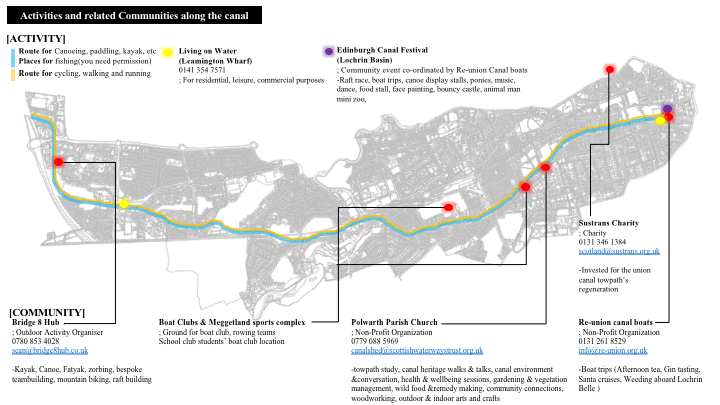
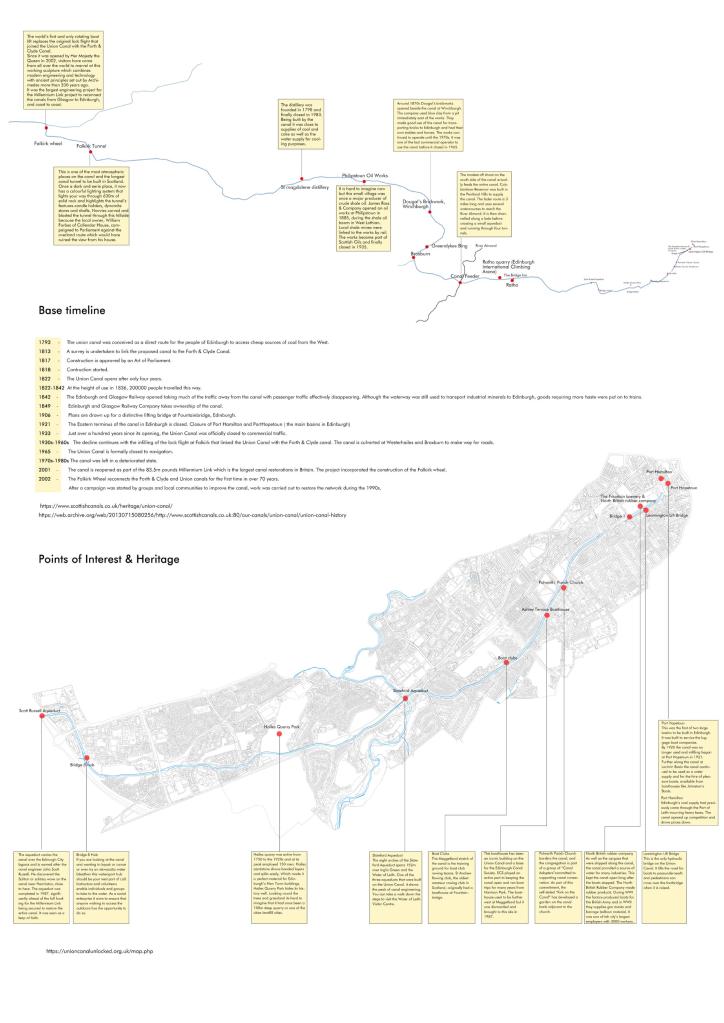
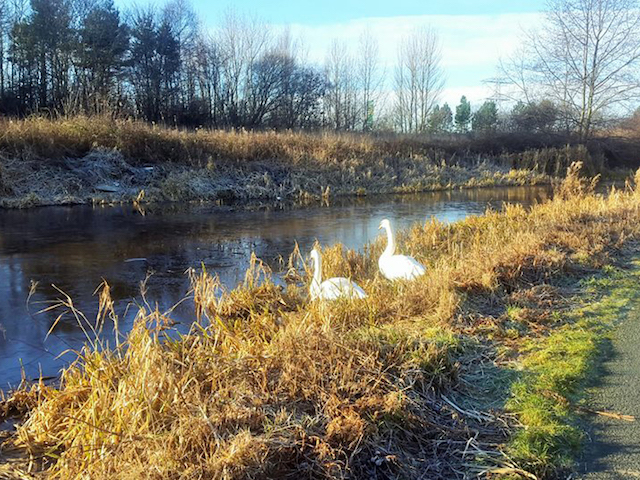
This is where you describe in more detail what you’re going to do. Talk about this at the scale of the canal and the scale of a building and the scale of a person. Be precise.
- This is a list bloc. You can use this to set out a series of points you wish to make for your project
- In total for the wordpress page you should be looking at around 750 words. Edit carefully to explain clearly and with authority
- Use the proposal form as a base for explaining your project on this wordpress page.
- Proofread the work. There is nothing worse for people outside of the University reading work that is poorly spelt or badly written. When in doubt – keep it simple. Get a friend to read it for you.
- Use this page to validate your work. Use the web address of the page – send the link to people who you’d like to get advice from.
Logos



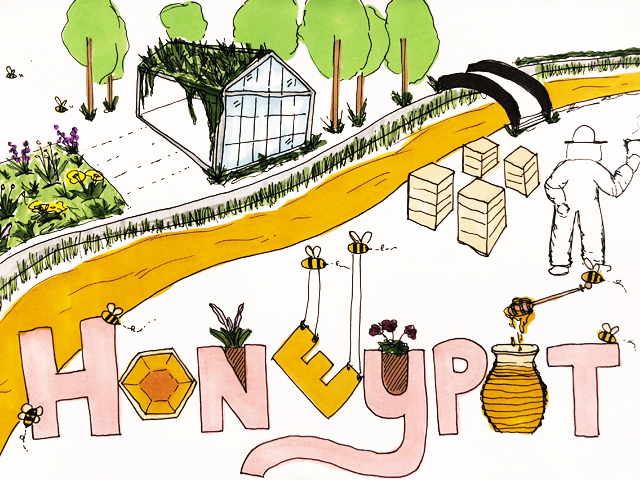

Thank you for uploading a logo image. It’s a personal thing but I think some work better than others. These are some I think work particularly well – feel free to update yourselves.
 WATER LOGIC: REGENERATING UNION CANAL